Coding line integration and data control
Integration guide

Coding line integration and data control

Plan the trigger, speed reference, message data, verification and failure response that connect a coding machine to the production line.

Begin with a signal and data schedule

List every physical and digital exchange before controls work starts. This avoids assuming that a printer interface automatically provides a complete line integration.

The physical product path determines the timing architecture. A stable carton or bottle on a constant-speed conveyor may need a product sensor and a fixed trigger delay. A variable-speed web or conveyor can require an encoder so the printer follows distance rather than time. The selected printer, host machine and code-position tolerance determine the final method.

Define all signals that are required or available: product present, print trigger, encoder pulses, job loaded, printer ready, warning, fault, low consumable, print complete, inspection result and reject command. Not every model provides every signal, so the final I/O schedule must be checked against the selected equipment.

For data, identify the source of product code, date, batch, serial number, barcode and 2D fields. A USB file, serial connection or TCP/IP socket is not a complete specification. Record the protocol, field names, format, character set, acknowledgements, update timing and response to invalid or missing data.

ERP or MES integration usually needs an intermediate controls or software layer that manages jobs and communicates with the printer. Confirm who supplies and supports that layer, how users authenticate, how templates are version-controlled and what happens if the business system or network is unavailable.

The operator interface should make the active product and message obvious. Editing rights, job-selection rules and first-off confirmation should reflect the process risk. Automated data transfer reduces repeated typing but does not remove the need to confirm the correct physical material and product are on the line.
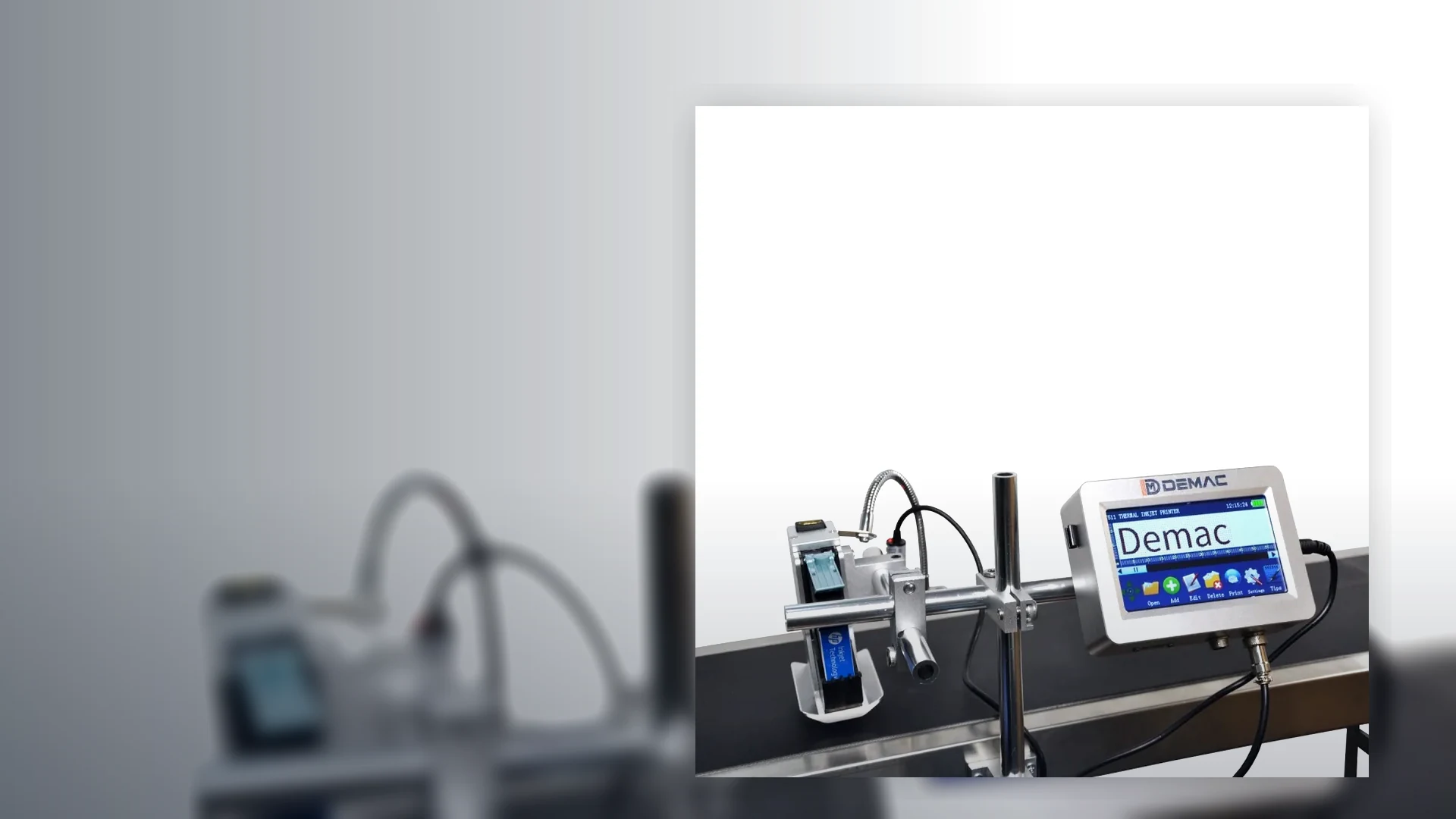
Typical coding-station interfaces

InterfacePurposeQuestions for the specification
Product sensorStarts the print sequence when a pack reaches a defined point.Product colour, transparency, size, pitch, mounting position, false triggers and gaps.
EncoderSupplies speed or distance information for moving products or web.Wheel contact, slip, pulses per distance, acceleration, direction and cable routing.
PLC I/OCoordinates ready, trigger, fault, stop, reject and interlock states.Signal type, safe state, timing, ownership, diagnostics and behaviour after restart.
Serial or TCP/IPTransfers jobs, variable fields, status or commands.Protocol, addressing, message structure, acknowledgement, timeout and cybersecurity ownership.
Vision or scannerChecks code presence, position, decoded content or defined quality attributes.Inspection limit, lighting, product tracking, challenge samples and failure response.
Reject or line stopContains product after a failed print or inspection.Delay, product tracking, confirmation, full-bin condition, safe stop and recovery.

Test the integrated sequence, not only the print

The application footage provides a reference for discussing the coding position. Commissioning should challenge starts, stops, gaps, speed changes, data faults and inspection failures.

  • Load the correct job and confirm the operator can identify it.
  • Run normal and maximum speed with real product spacing.
  • Interrupt each signal or data connection and observe the defined response.
  • Challenge verification and prove the reject, stop or product-hold route.

FAT and SAT challenge tests

Agree the exact tests in the project scope. The list below is a practical starting point, not a claim that every machine includes the named function.

Normal production

Correct job, stable product presentation, all expected data, normal and maximum rate, start/stop and planned changeover.

Controlled faults

Printer not ready, low consumable, blocked sensor, encoder loss, invalid data, lost communications and inspection failure.

Recovery

Safe stop or reject, retained job state, operator warning, product clearance, restart and proof that no unverified packs escape.

Coding integration FAQs

Does every coding machine need an encoder?

No. An encoder is considered when print timing must follow variable product or web speed. A stable constant-speed application may use a sensor and fixed timing, subject to the required position accuracy.

Can the J511 or TTO printers connect to a database?

The J511 information refers to USB database and external real-time data support. The T30/T50 list USB, RS232 and TCP/IP. The actual database or system interface still requires a confirmed protocol and software design.

Who should own the coding message: the PLC, printer or ERP?

The project should name one authoritative source for each field. The choice depends on the production workflow, but ownership and change permissions must be explicit.

What happens if the printer loses its network connection?

The required behaviour should be designed and tested. Possible outcomes include retaining an approved job, stopping, alarming or preventing a new batch from starting until data is restored.

How is a rejected pack tracked from inspection to the reject device?

The controls use timing, distance or product tracking appropriate to the line. The delay, gaps, accumulation and reject confirmation should be tested at maximum speed.

Is coding-line integration the same as complete packaging-line integration?

No. This guide focuses on the coding station. For wider mechanical, controls and line-balance work across fillers, cappers, labellers and conveyors, use Packaging Lines UK.

Prepare an interface schedule

Send the host machine, product path, signals, data fields, inspection requirement and preferred failure response with the coding enquiry.

Discuss integration

Define the complete traceability control chain

The coding station should maintain a controlled relationship between the authorised job, the physical pack, the print event, the inspection result and the final disposition of any uncertain product.

Control stageDesign questionEvidence
Data ownershipWhich system or authorised user owns each product, batch, date, serial and barcode field?Field map, validation rule, permissions and response to missing or invalid data.
Job selectionHow is the correct template linked to the running SKU and how is a mismatch prevented?Scanner, recipe or system test using correct and deliberately incorrect selections.
Product detectionWhich sensor or machine event identifies the pack, and how are gaps, accumulation and speed changes handled?Trigger and encoder tests across the agreed operating range.
Print confirmationDoes printer-ready or print-complete status prove enough for the application?Signal sequence, timeout, alarm and controlled printer-not-ready challenge.
Inspection and trackingHow is the observed code associated with the correct pack through the reject distance?Good and bad challenge packs, line stops, restarts, jams and removal confirmation.
ReconciliationWhat record proves that uncertain product was contained and the batch was released correctly?Counts, images, decoded values, reject log or batch record appropriate to the process.

Questions engineers ask about coding-line control

The coding station needs a defined release condition, recovery sequence and ownership model for every signal and variable field.

Which signal should permit the packaging line to release product past the coder?

The release condition should be defined from the application risk and the interfaces supported by the selected equipment. It may require printer ready, correct job loaded, consumables available, data valid, inspection ready and reject capacity available rather than a single generic run signal.

Document the exact permissive logic and the product response when any condition is lost. The line should not silently continue on an old message or without the agreed containment route.

How should a coder recover when the upstream machine stops mid-cycle?

Recovery should identify whether a product was detected, whether printing started or completed, and where any affected pack is located between trigger, print, inspection and reject points. The controls then need a defined reset or hold sequence before normal product flow resumes.

Challenge stops at several points in the sequence during SAT. This reveals double prints, missed packs and tracking errors that a steady-state run will not expose.

When is an encoder preferable to a fixed timing delay?

An encoder is preferable when print position must follow changing conveyor or web speed rather than a constant time from sensor to printhead. A fixed delay can work on a tightly controlled motion profile, but speed variation, slip or acceleration can move the code even when the trigger itself is repeatable.

Encoder suitability still depends on the printer interface, mechanical drive relationship and the resolution needed for the application. Confirm the complete motion chain rather than adding an encoder by assumption.

How should uncertain packs be identified after tracking is reset?

The project should define a physical or count-based boundary for product that may have been printed, inspected or targeted for rejection before the reset. Those packs should be held, removed or rechecked according to the agreed quality procedure before the line returns to normal production.

Test manual pack removal, jams, power loss and communications recovery. Use the data-ownership guide to define which system restores the authorised job.

Create one interface schedule for the complete coding station

Provide the line sequence, I/O expectations, data source, product tracking and fault response.

Discuss coding integration

Turn the interface schedule into an installation scope

The signal and data schedule should be reflected in the physical installation: sensor and encoder positions, mounting, cable routes, guarded access, product tracking, reject confirmation and the controls response to each failure state.

Mechanical and controls review

Use the coding-machine installation and integration service to review the line layout and translate the interface schedule into an as-installed coding station.

Commission the complete sequence

Challenge normal production, stops, restarts, lost data, printer fault, tracking loss, inspection uncertainty and reject failure before the handover record is closed.

Contact us